Apple Intelligence
Quadrant Suggestions
Apple Intelligence is used to recommend the best quadrant for each task based on urgency and importance.
Smart Subtasks
Uses Apple Intelligence to turn a task into clear, actionable subtasks.
Voice-to-task Parsing
Uses Apple Intelligence to convert spoken input into a structured task—capturing details like due dates and tags when available.
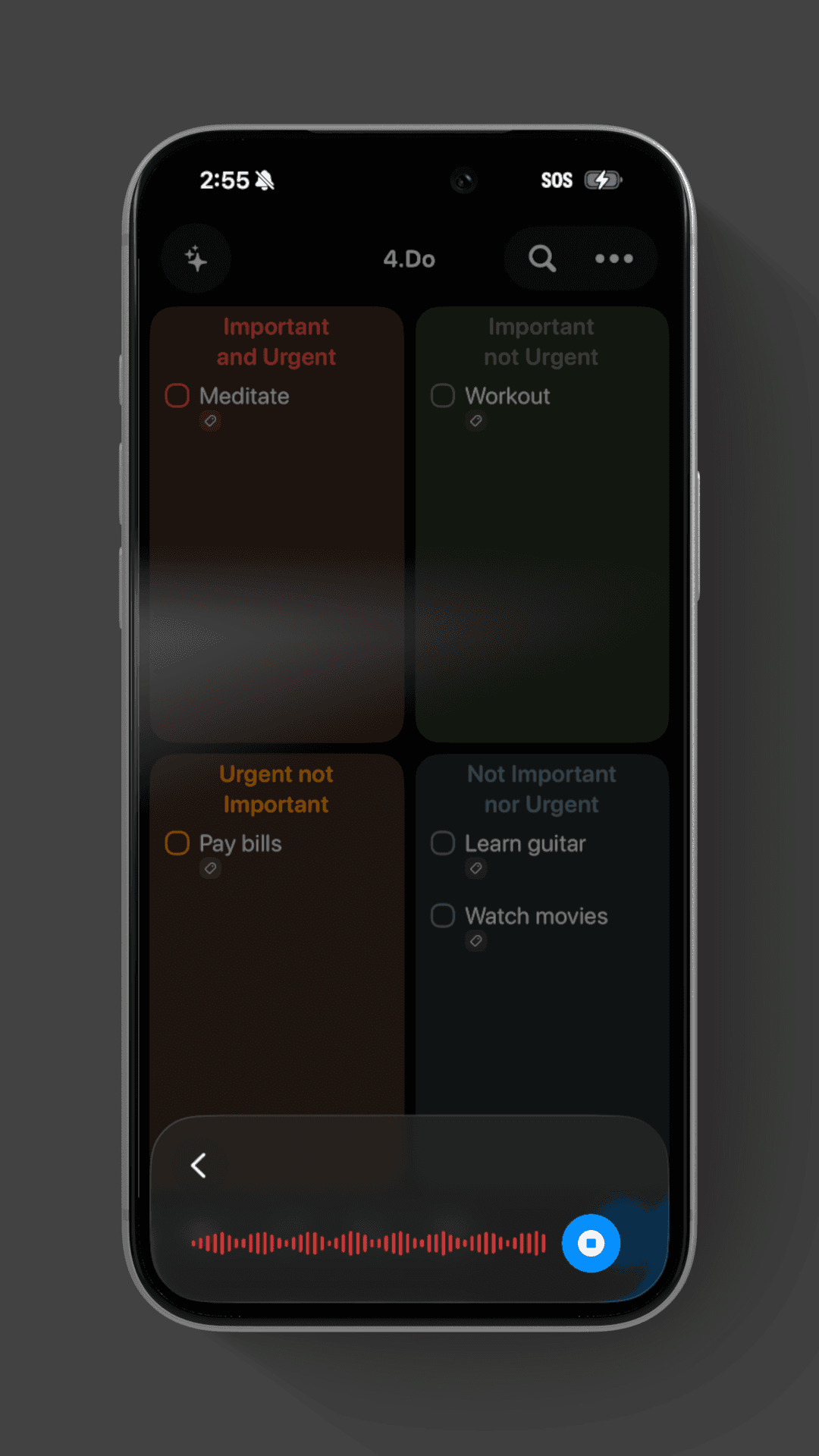
Add Assist
As the user types or speaks in a task, Apple Intelligence parses the task and suggest relevant tags
Design:
IOS26
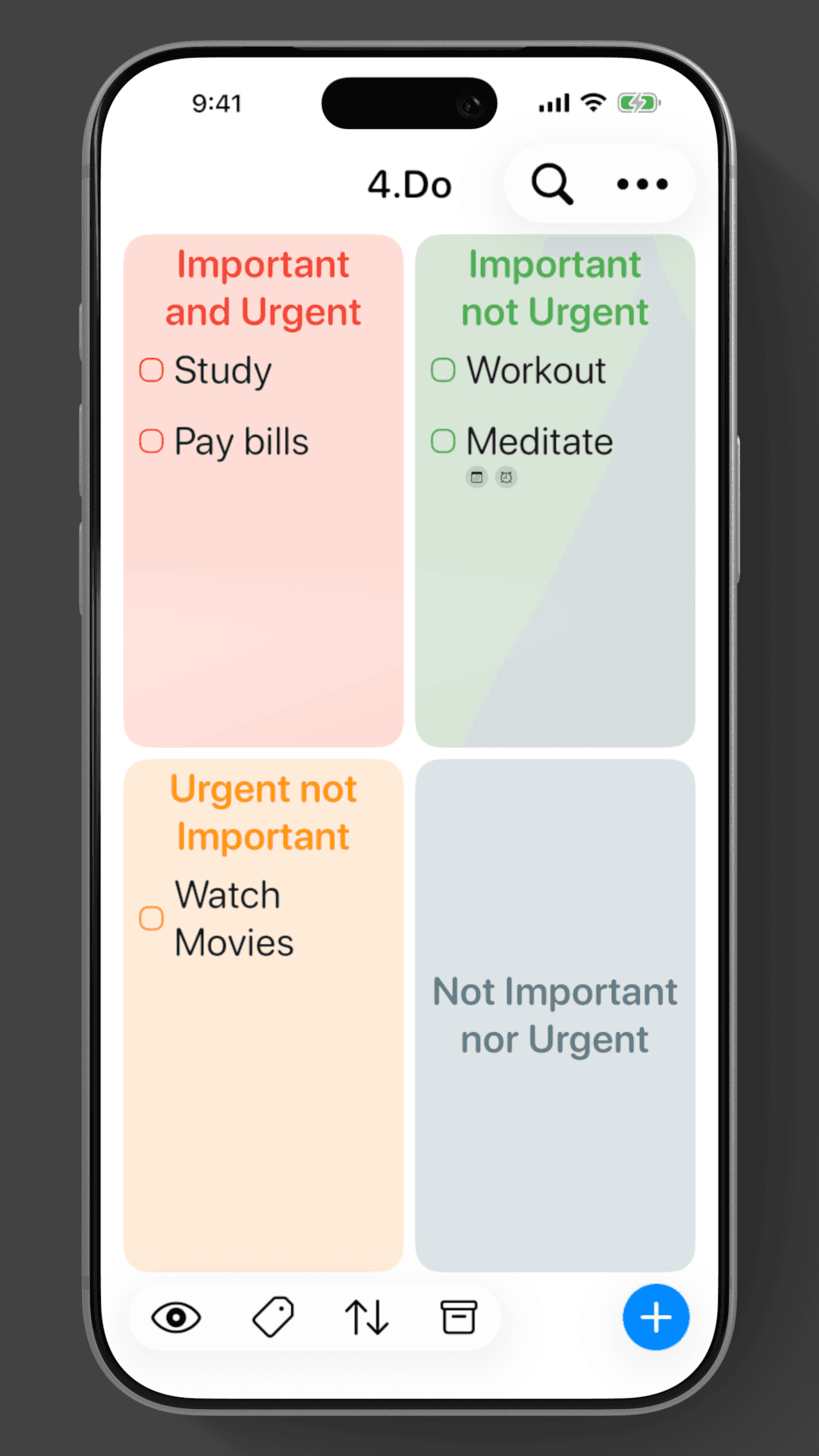
4.Do 2.0 embraces the iOS 26 design language, using Liquid Glass to create a polished, immersive experience.
Animations
Thoughtful animations bring the interface to life without getting in the way.
Device Specific Design
Built entirely in SwiftUI, the app adapts flawlessly across iPhone, iPad, and Mac, ensuring every device feels intentionally crafted—not scaled up.
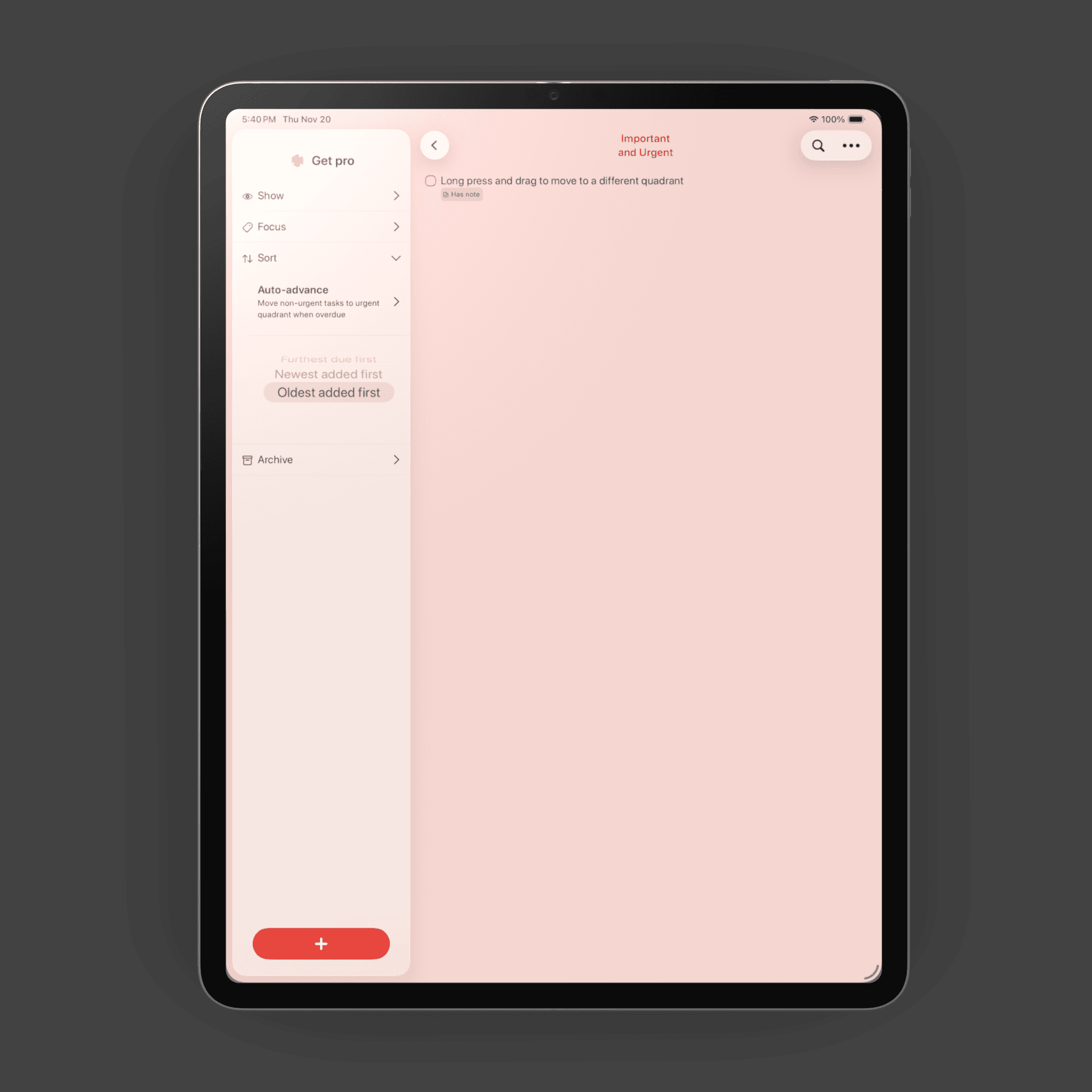
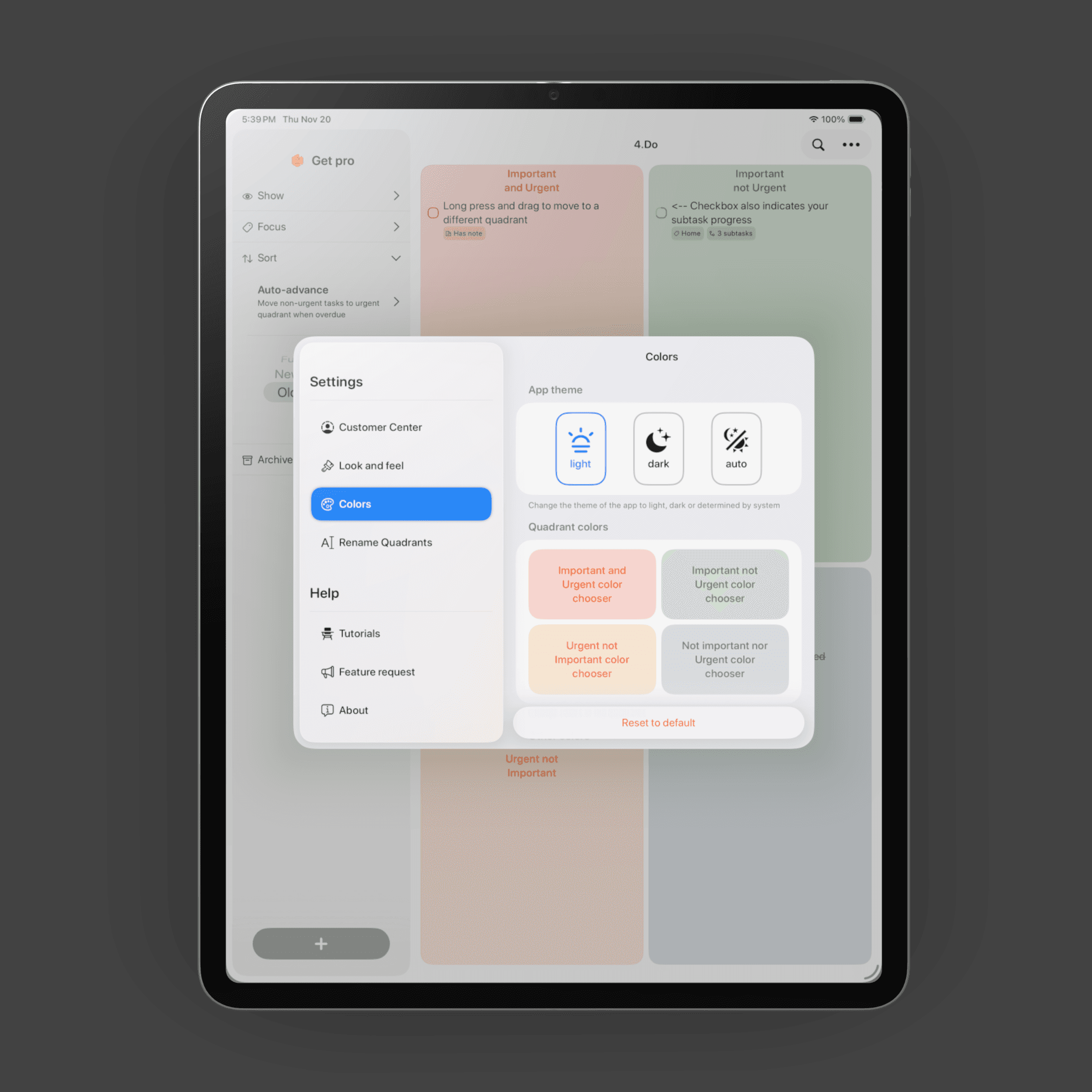
Customizability
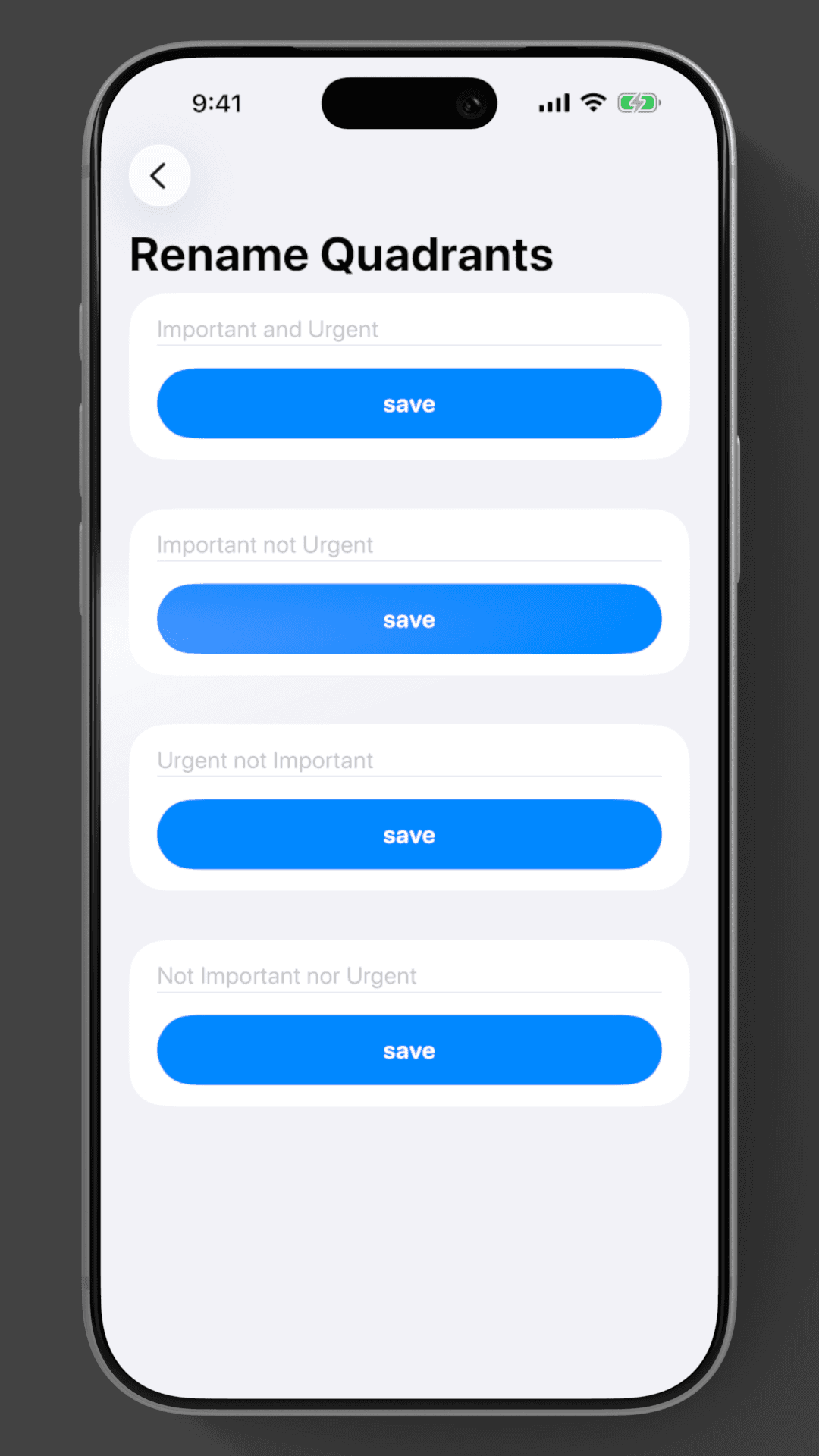
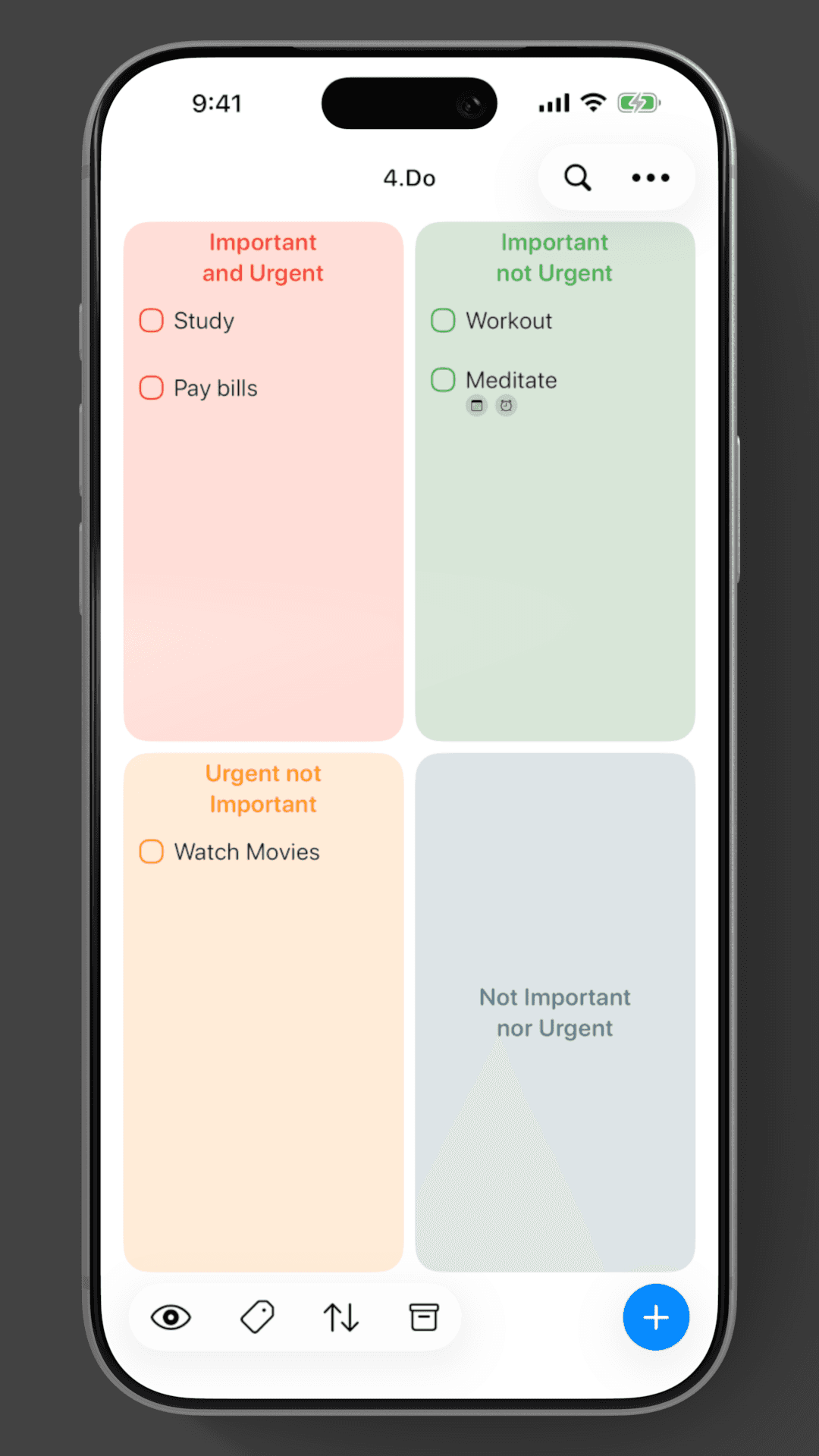
Customization goes far beyond what competitors offer. Users can tailor colors, quadrant names and view styles with lots of options to fit their productivity style.
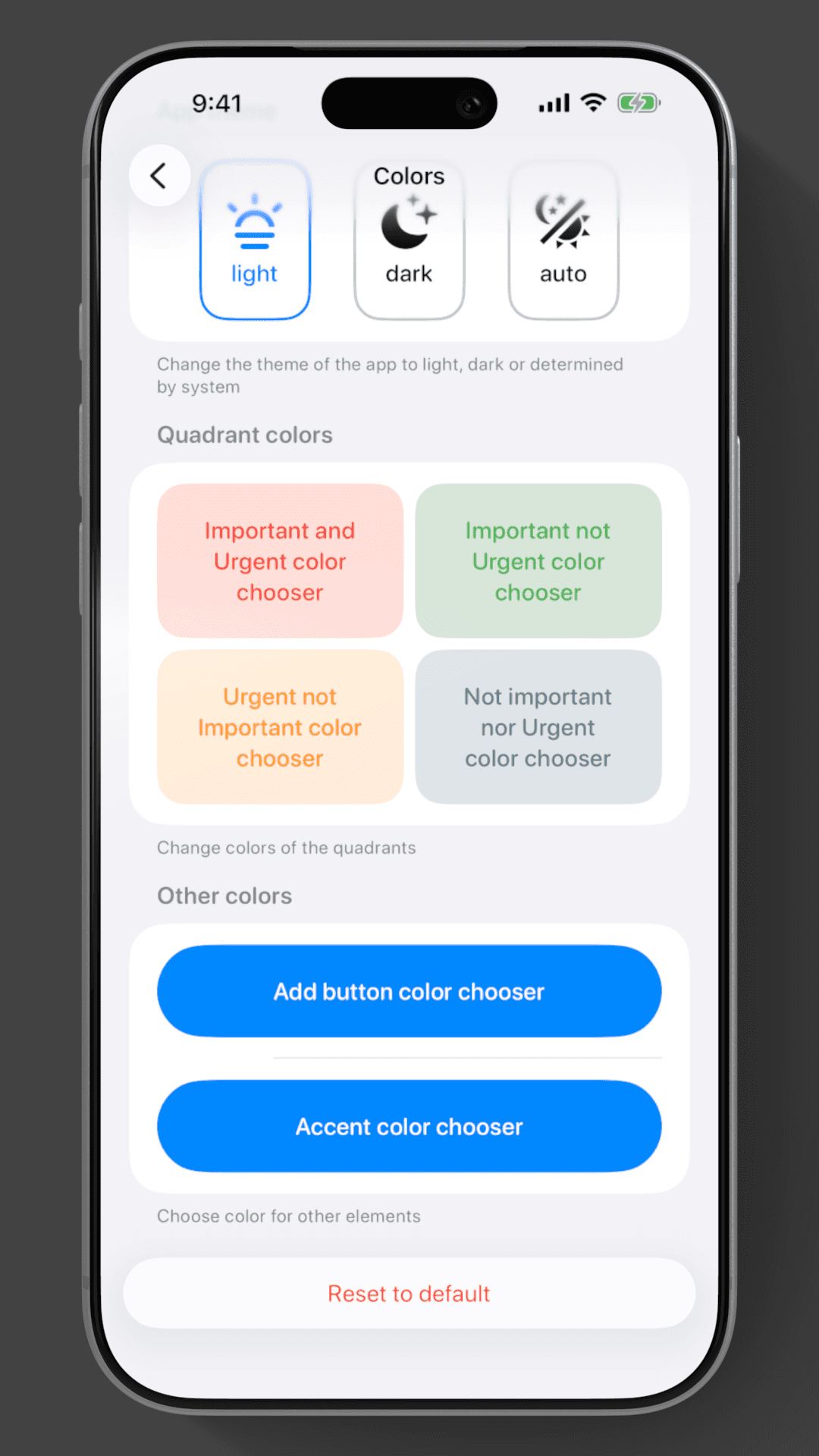
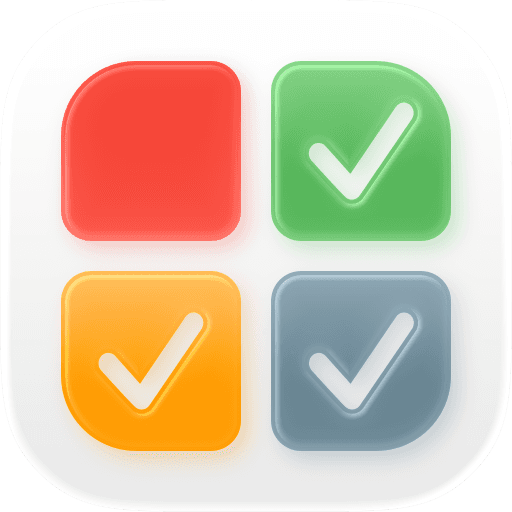
Icon
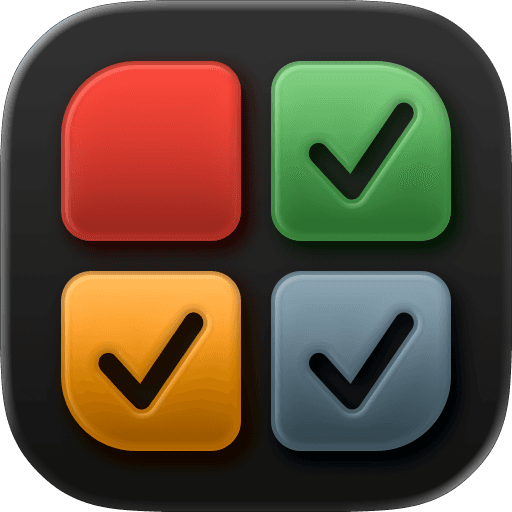
The refreshed app icon also blends seamlessly with iOS 26 home screen themes.
Accessibility:
VoiceOver
The app is localized in 40+ languages, including fully translated VoiceOver support, making it accessible to users around the world.
Dark Mode
Every screen has been tuned for clarity in both Light and Dark Mode, with careful attention to contrast and readability.
Dynamic Text
Dynamic Type is supported across the app, adapting gracefully for users who prefer larger—or smaller—text.
Integration:
Siri and app intent integration
With siri intents, 4.Do shows helpful suggestions in Search, letting you add tasks fast with almost no effort.
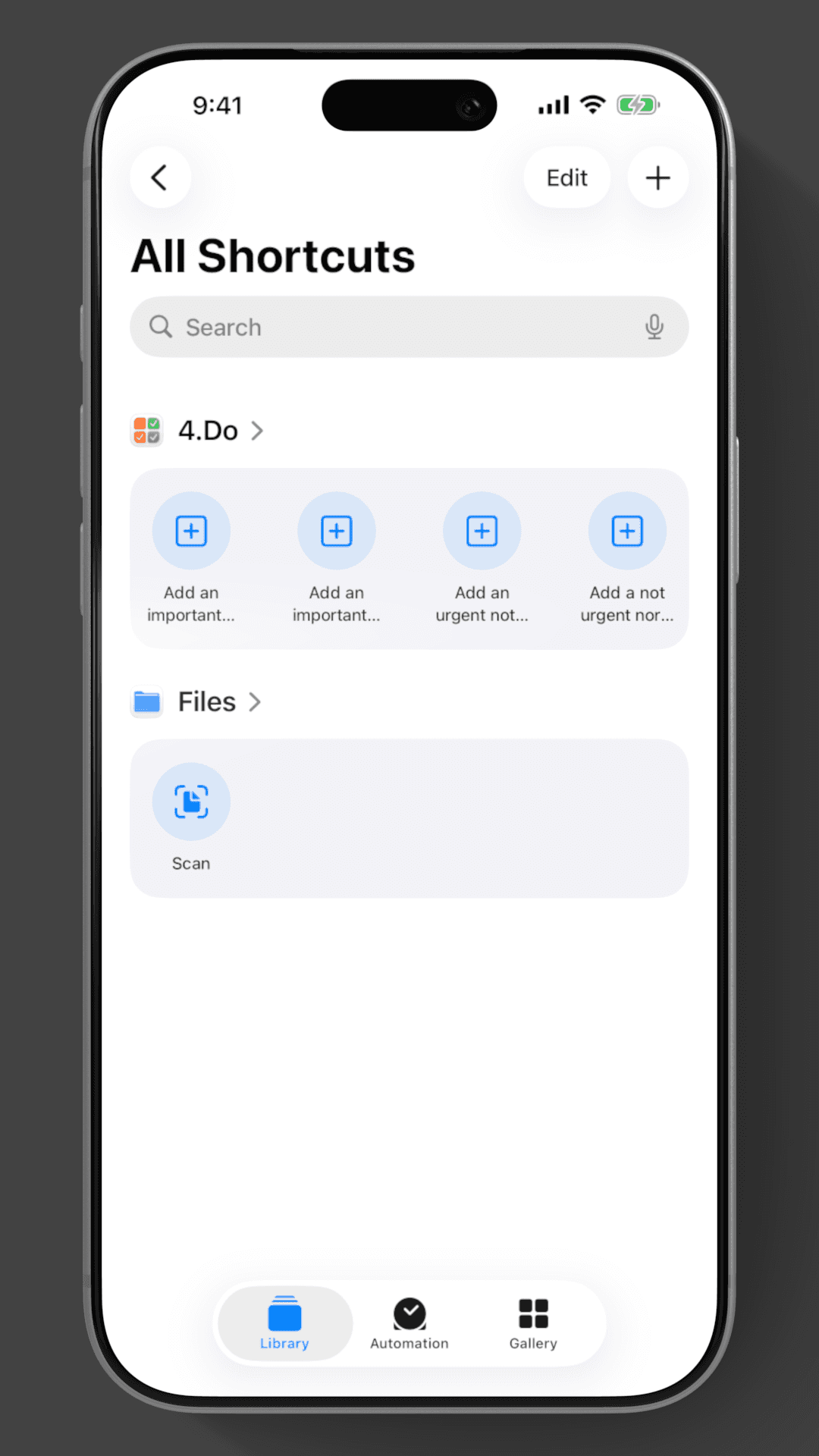
Shortcuts integration
4.Do integrates with shortcuts for to speed up your workflow.
Widgets.
4.Do provides widgets that are both interactive and configurable.
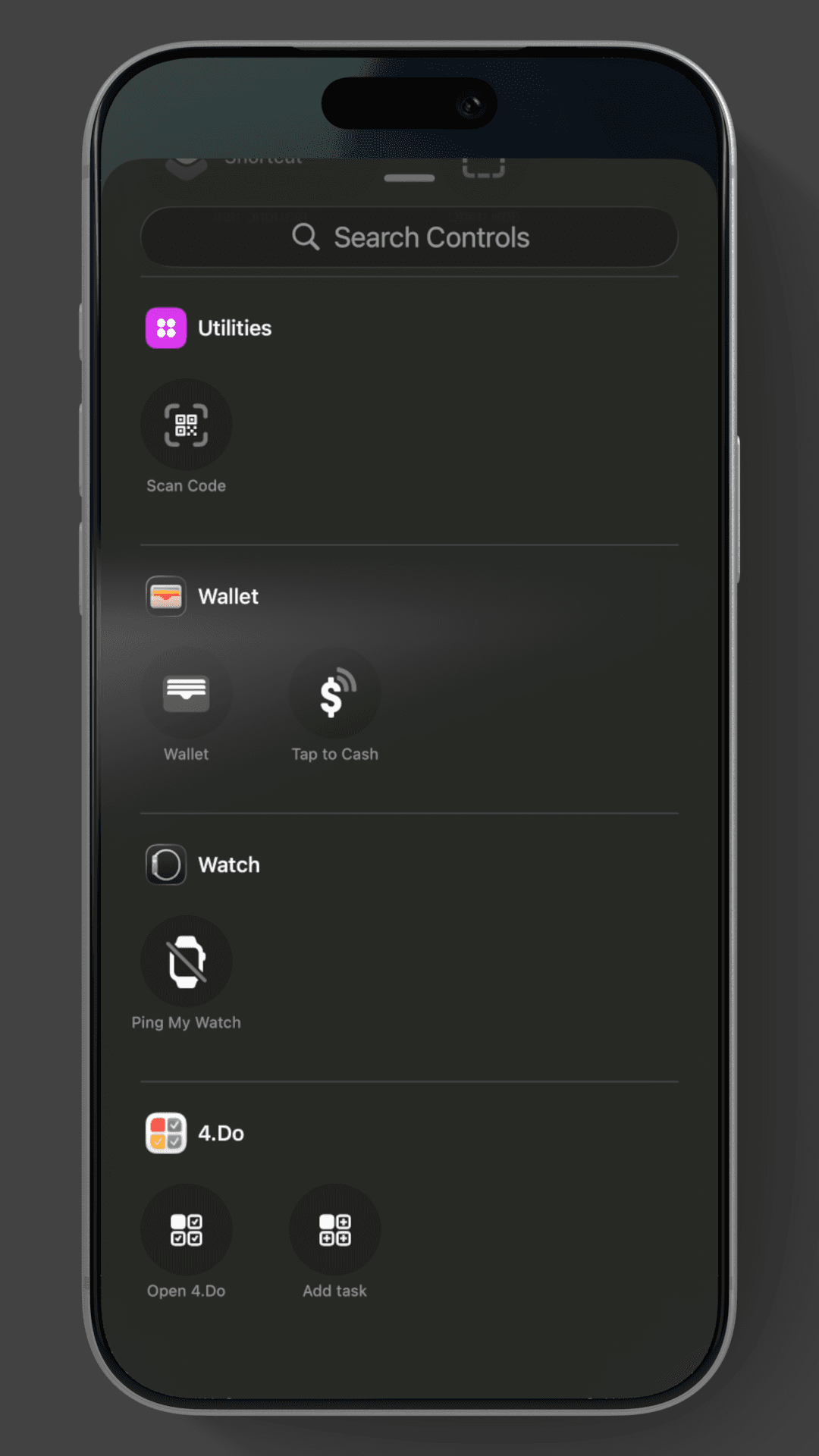
Control center widgets
Control Center widgets allow users to open 4.do or add tasks from anywhere with a single tap.
iCloud Sync
iCloud Sync keeps schedules and benefits aligned across all devices.
Haptic feedback
4.Do enhances user experience with haptic cues.
Vision Framework
4.Do leverages the vision framework to make adding a task a breeze by taking pictures of the task or importing from gallery and parsing text from the images.
Reminders
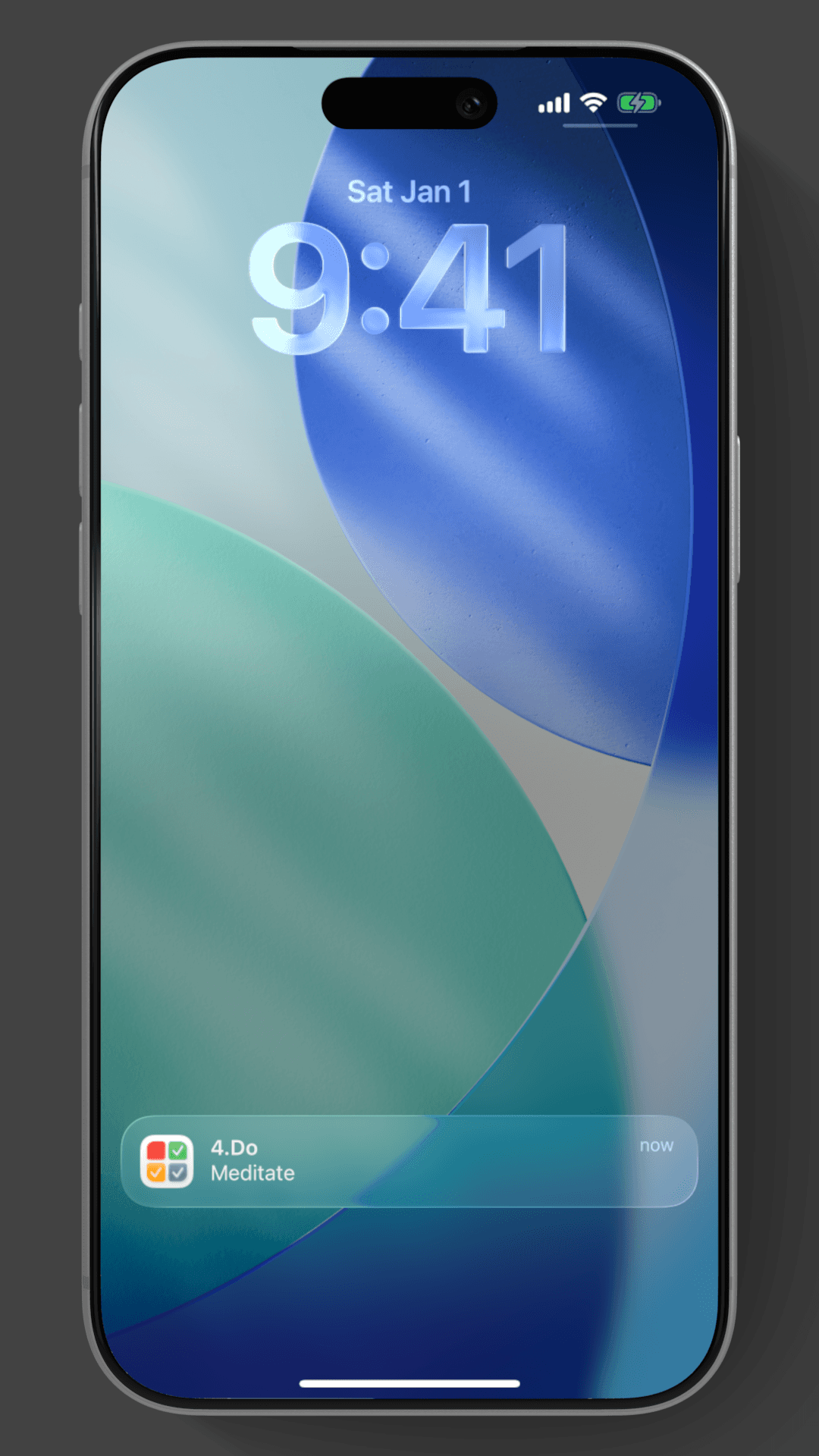
4.Do incorporates reminders to help users keep on top of their tasks.
Share sheet
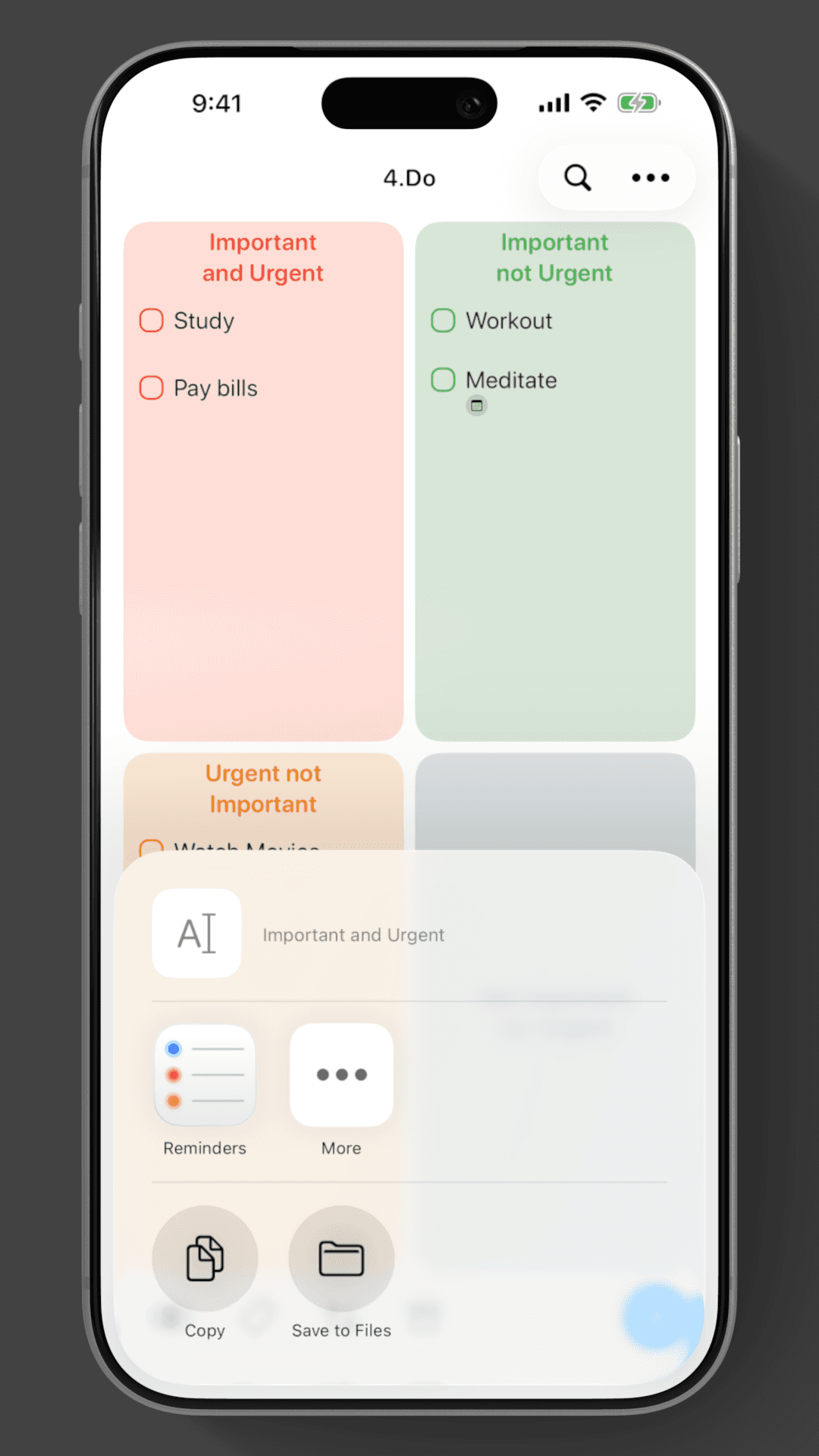
4.Do incorporates share sheet enable users to share or transfer their tasks easily.
AVFoundation
Similar to the use of vision framework AVFoundation is used to aid in the rapid input of tasks by converting speech to text.